Atelier
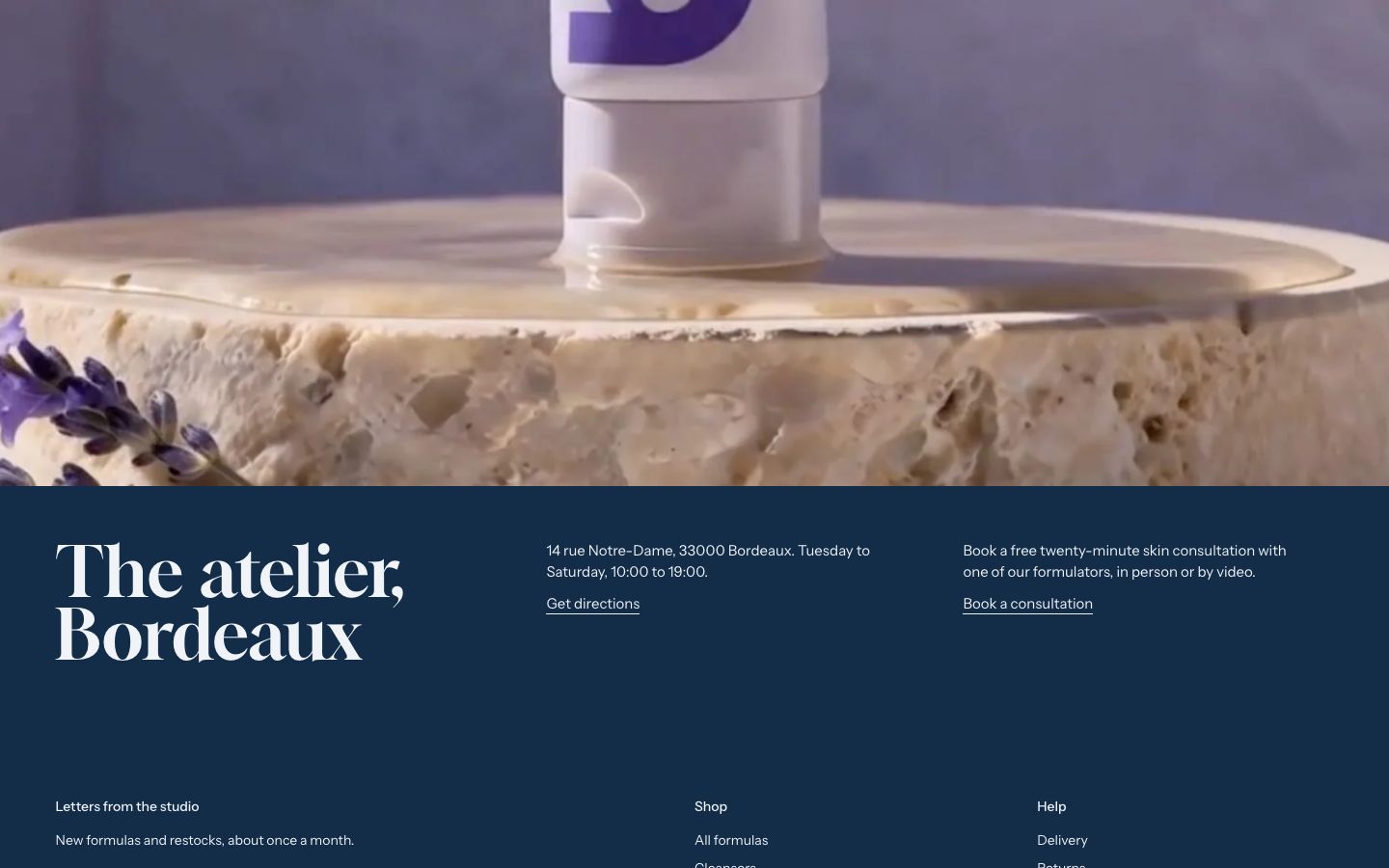
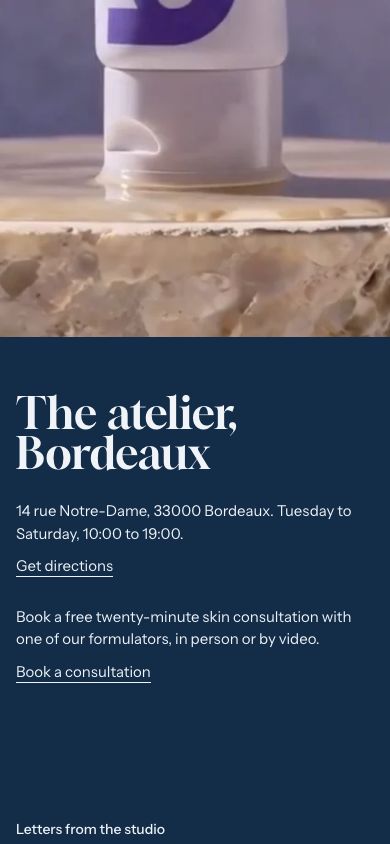
A wide photo of your place, then its address, its hours and how to visit.
WhereAny template. Not available in the header or footer group.
What it is for
Tell visitors where you make your products or where your shop is, and how to come. The demo uses it on the home page and on the Contact page.
How it works
Under the photo, on a panel painted by Surface, the Heading sits beside Column blocks: each has a Text and an underlined link. Photo height is set per device; the focal point of the image places it. A column without text and without a link is left out of the store.
Content tips
- Put the address and the opening hours in one column, the appointments in another.
- Link the address to a map in Link.
Settings
Section settings (10)
| Setting | Values | Default | Notes |
|---|---|---|---|
| Image | Image | Empty | A wide photo works best. Its focal point places it. |
| Heading | Text | Name your place | |
| Anchor | Text | Empty | Lowercase words joined by hyphens. Link to this section with #anchor, for example from a menu. |
| Surface |
| Deep | |
| Photo height (desktop) | 20 to 90 svh, step 2 | 56 svh | |
| Photo height (mobile) | 20 to 90 svh, step 2 | 40 svh | |
| Top padding (desktop) | 0 to 200 px, step 2 | 56 px | |
| Bottom padding (desktop) | 0 to 200 px, step 2 | 40 px | |
| Top padding (mobile) | 0 to 200 px, step 2 | 56 px | |
| Bottom padding (mobile) | 0 to 200 px, step 2 | 40 px |
Block: Column
Column block settings (3)
| Setting | Values | Default | Notes |
|---|---|---|---|
| Text | Rich text | Give an address, opening hours or a way to book a visit. | |
| Button label | Text | Get directions | |
| Link | Link | Empty |