Hue finder
A short quiz that leads a hesitant shopper to one product.
WhereAny template. Not available in the header or footer group.
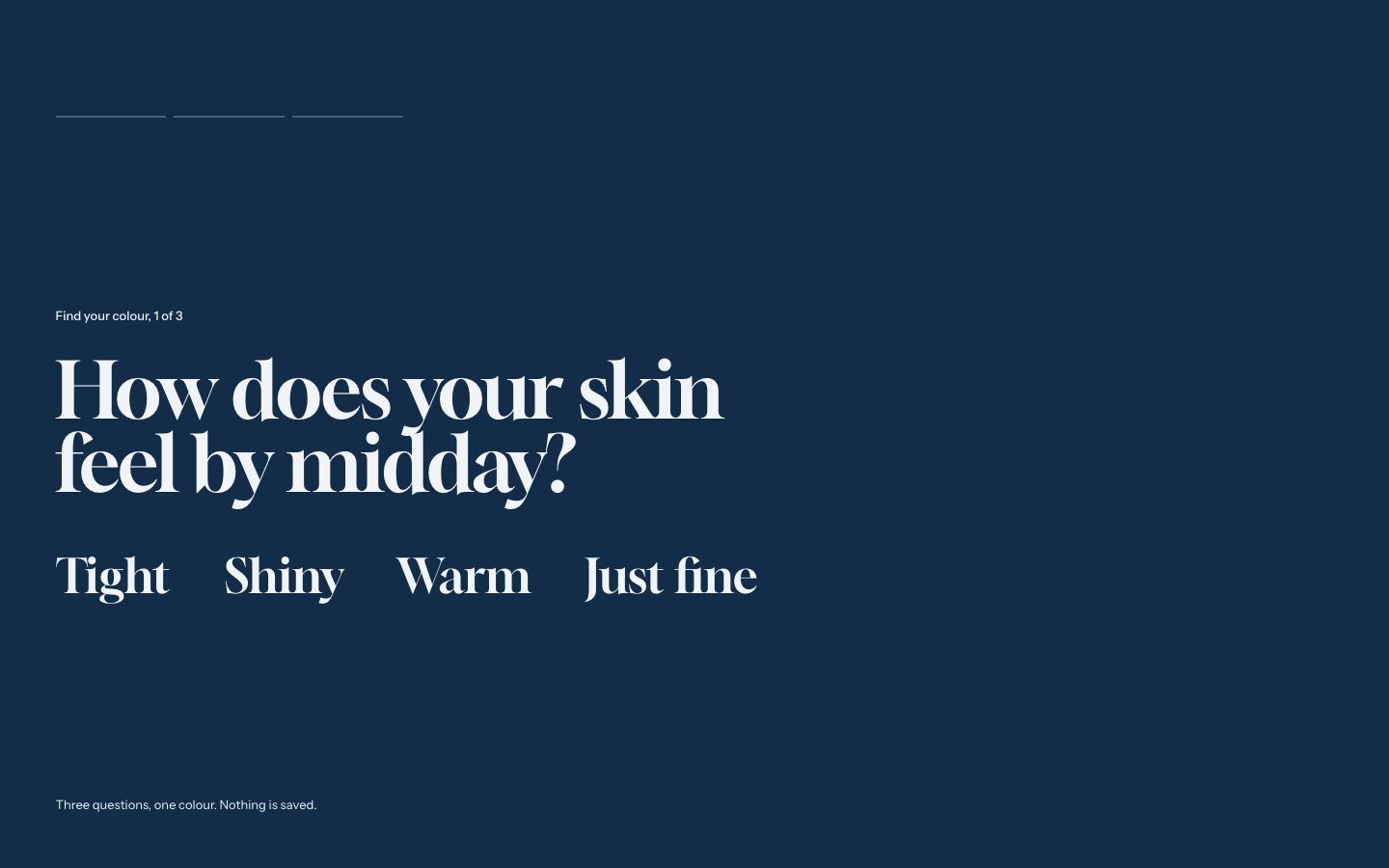
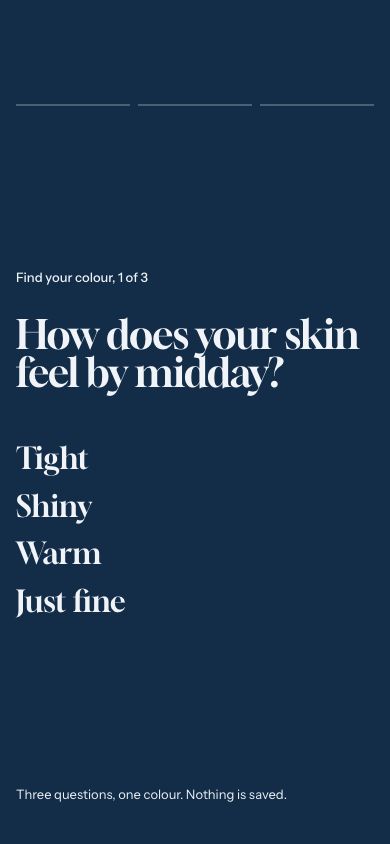
What it is for
Three questions, answered with a word each, lead to the product that fits best. The section slides toward the color of the product in the lead after every answer.
How it works
Each Question block has a question and up to four answers. Each answer points to up to three products, in Products for answer 1 and the next ones: the first product of an answer gets three points, the second two, the third one. The last screen shows the product in the lead, with its price, Add to bag, View formula and Start again. The section opens in the dark color of Starting color. Remember the result for 30 days, off by default, keeps the result on the visitor's device and adds a link to forget it; off, nothing is saved. Without JavaScript the first question shows and each answer links to its first product.
Content tips
- Ask about what the shopper feels, not about the product: "How does your skin feel by midday?"
- Keep answers to one or two words.
- Until you choose products for an answer, the answers share the first products of your store, so the quiz works from the start.
- Once you choose products, a question without text, or without an answer that has products, is skipped.
Settings
Section settings (11)
| Setting | Values | Default | Notes |
|---|---|---|---|
| Question label | Text | Find your color | Shown above each question, before its number. |
| Result label | Text | Your color | |
| Note | Text | Answer a few questions to find your product. | |
| Remember the result for 30 days | Checkbox | Off | Keeps the result on the customer’s device for 30 days and opens the section on it at their next visit. A link on the last screen forgets it. Off: nothing is saved. |
| Starting color | Product | Empty | The section opens in this product’s dark color. Empty: the page’s dark color. |
| Show price | Checkbox | On | |
| Anchor | Text | Empty | Lowercase words joined by hyphens. Link to this section with #anchor, for example from a menu. |
| Top padding (desktop) | 0 to 200 px, step 4 | 120 px | |
| Bottom padding (desktop) | 0 to 200 px, step 4 | 56 px | |
| Top padding (mobile) | 0 to 200 px, step 4 | 104 px | |
| Bottom padding (mobile) | 0 to 200 px, step 4 | 40 px |
Block: Question
Question block settings (9)
| Setting | Values | Default | Notes |
|---|---|---|---|
| Question | Text | Ask a question with a few short answers | |
| Answer 1 | Text | First answer | |
| Products for answer 1 | Product list | Empty | Up to 3. The first one counts most. |
| Answer 2 | Text | Second answer | |
| Products for answer 2 | Product list | Empty | Up to 3. The first one counts most. |
| Answer 3 | Text | Empty | |
| Products for answer 3 | Product list | Empty | Up to 3. The first one counts most. |
| Answer 4 | Text | Empty | |
| Products for answer 4 | Product list | Empty | Up to 3. The first one counts most. |