Ingredient atlas
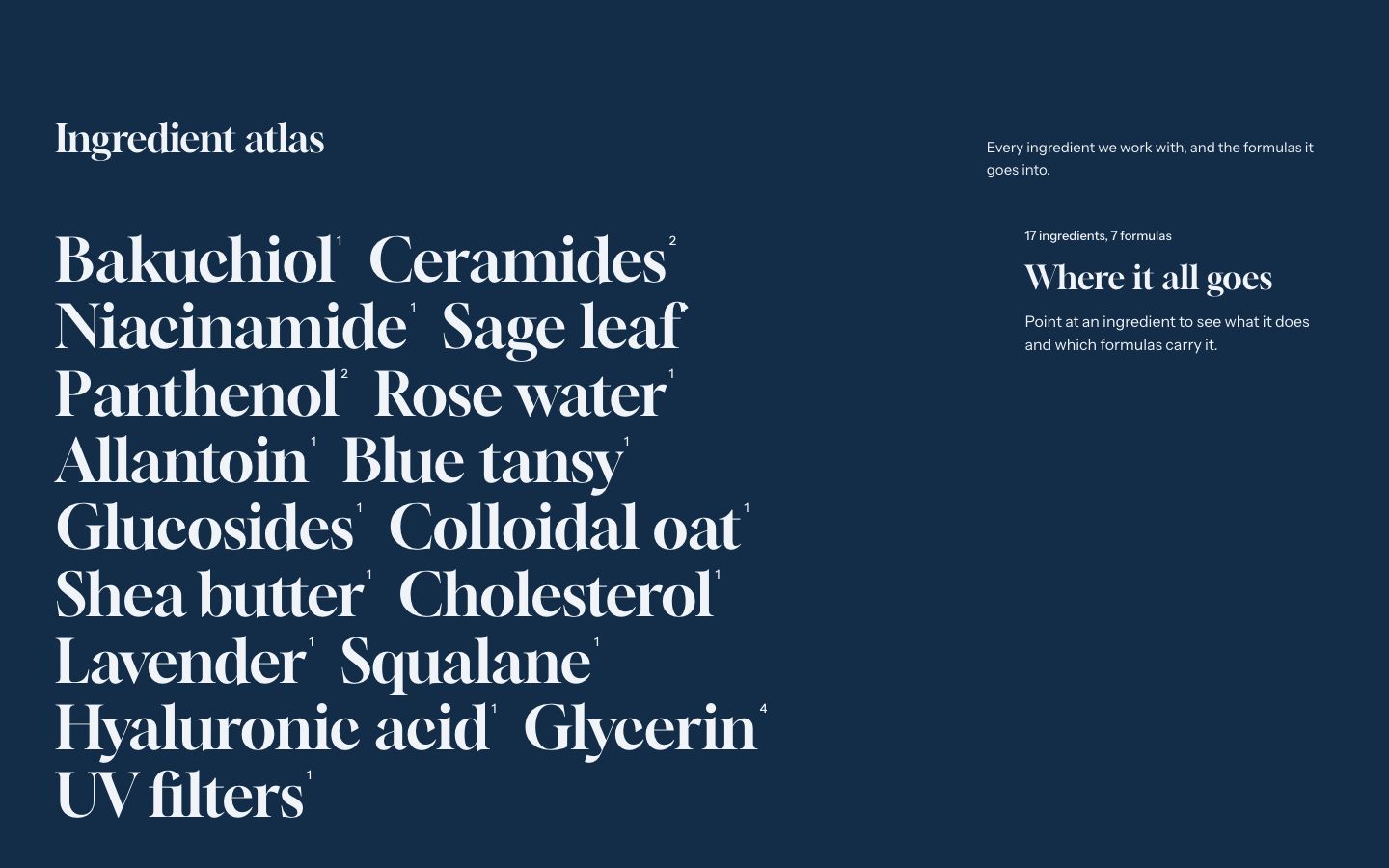
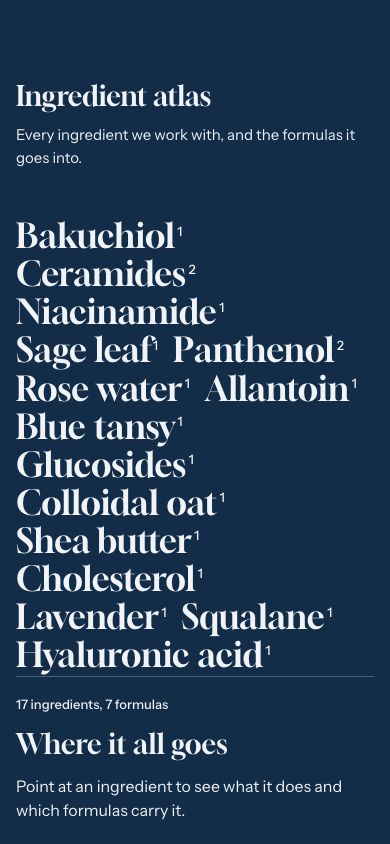
A wall of ingredient names: point at one to see what it does and which products contain it.
WhereAny template. Not available in the header or footer group.
What it is for
Show the key ingredients of the range, each linked to the products that use it.
How it works
Each Ingredient block has a Name, a Note and up to four Products. The names are set large, each with the number of its products; pointing at a name, focusing it or tapping it fills the note beside the wall with the name, the note and the products in their colors, and gives the section the color of the first product. Note heading and Note text fill the note at rest. The atlas reads its blocks only: there is no metaobject to create. Without JavaScript the names and the note at rest show.
Content tips
- Say what each ingredient does in one sentence.
- An ingredient without a name is hidden on your store.
Settings
Section settings (9)
| Setting | Values | Default | Notes |
|---|---|---|---|
| Heading | Text | Ingredient atlas | |
| Text | Text | List the ingredients you work with and the products they go into. | |
| Note heading | Text | Where it all goes | |
| Note text | Text | Point at an ingredient to see what it does and which products... | |
| Anchor | Text | Empty | Lowercase words joined by hyphens. Link to this section with #anchor, for example from a menu. |
| Top padding (desktop) | 0 to 200 px, step 4 | 120 px | |
| Bottom padding (desktop) | 0 to 200 px, step 4 | 120 px | |
| Top padding (mobile) | 0 to 200 px, step 4 | 80 px | |
| Bottom padding (mobile) | 0 to 200 px, step 4 | 80 px |
Block: Ingredient
Ingredient block settings (3)
| Setting | Values | Default | Notes |
|---|---|---|---|
| Name | Text | Name an ingredient | |
| Note | Multi-line text | Say what it does in one sentence. | |
| Products | Product list | Empty | Up to 4. The first one gives its color. |