Numbers
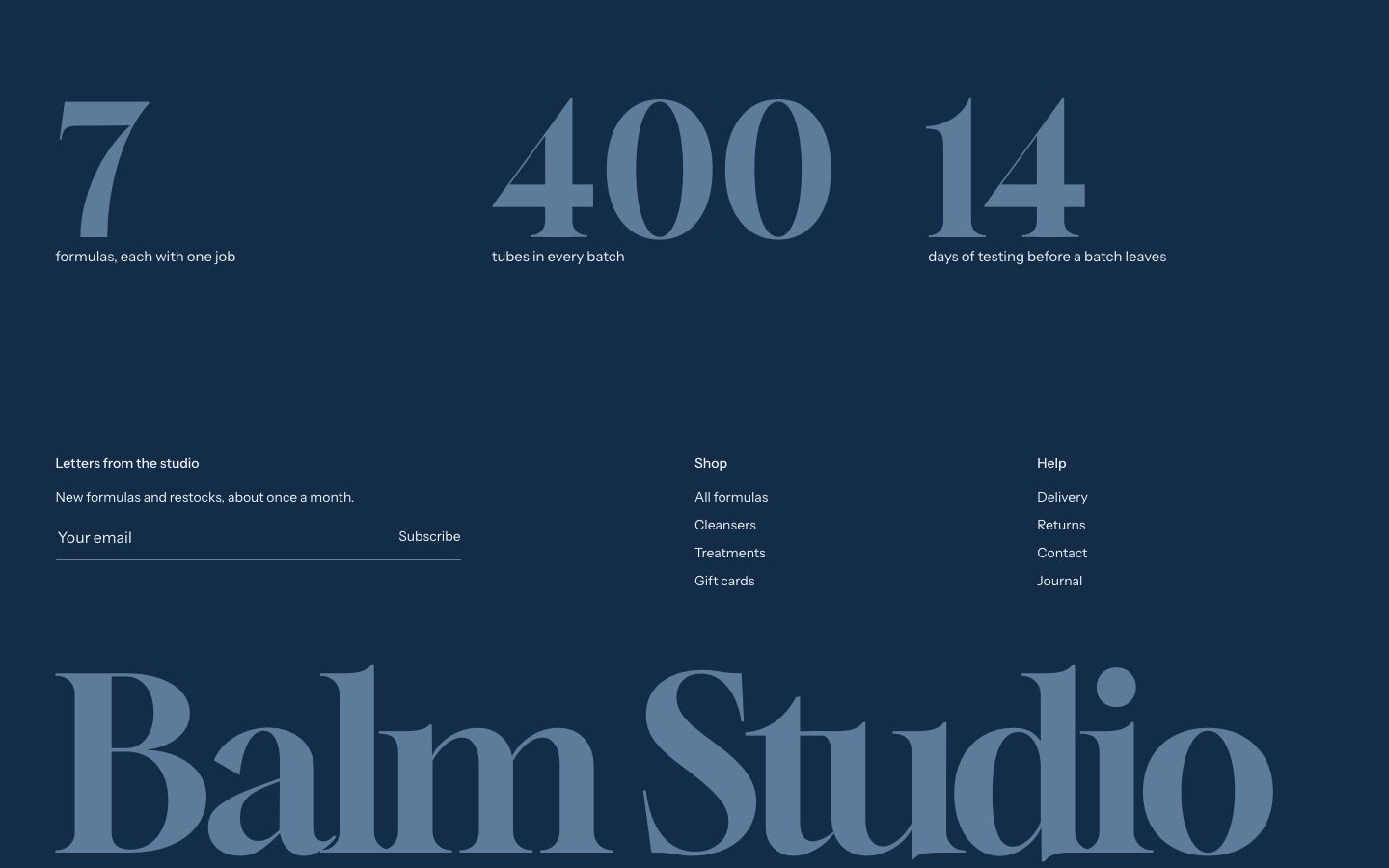
Large figures with a line of text under each.
WhereAny template. Not available in the header or footer group.

What it is for
Three facts about how you make your products, set large on Deep at the end of the About page.
How it works
Each Number block has a Figure and a Text. Columns (desktop) sets how many sit side by side; phones show one per row. The figures are printed as you type them: the section counts and animates nothing.
Content tips
- Type only figures that are true for your brand.
Settings
Section settings (6)
| Setting | Values | Default | Notes |
|---|---|---|---|
| Surface |
| Deep | |
| Columns (desktop) | 2 to 6 | 3 | |
| Top padding (desktop) | 0 to 200 px, step 4 | 96 px | |
| Bottom padding (desktop) | 0 to 200 px, step 4 | 96 px | |
| Top padding (mobile) | 0 to 200 px, step 4 | 64 px | |
| Bottom padding (mobile) | 0 to 200 px, step 4 | 64 px |
Block: Number
Number block settings (2)
| Setting | Values | Default | Notes |
|---|---|---|---|
| Figure | Text | 7 | |
| Text | Text | Describe what this figure measures |