A day in color
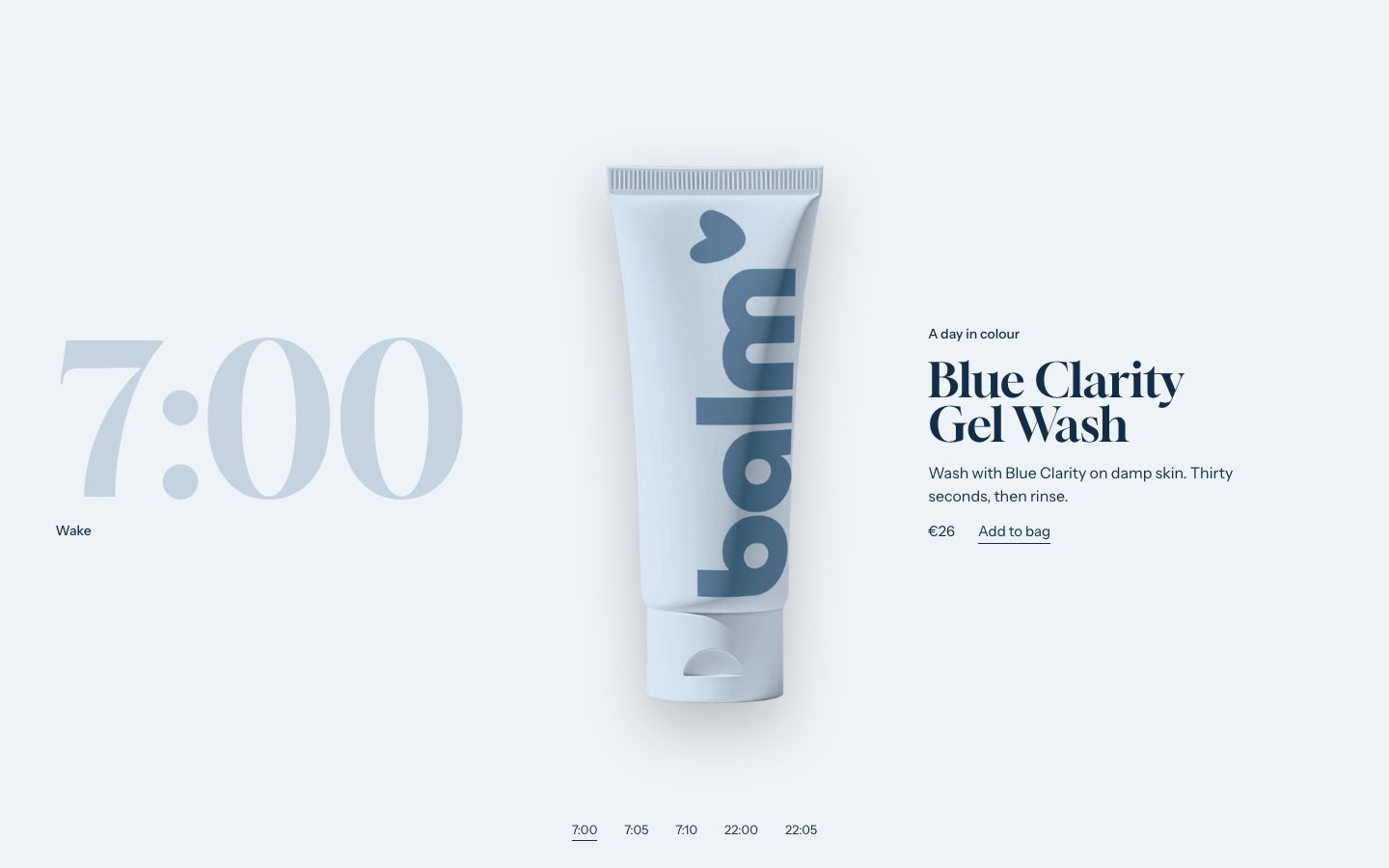
A day told in steps, from morning to night, each with the product that fits it.
WhereAny template. Not available in the header or footer group.
What it is for
Turn a routine into a story: an hour, a moment, a product and a line on how to use it, step after step.
How it works
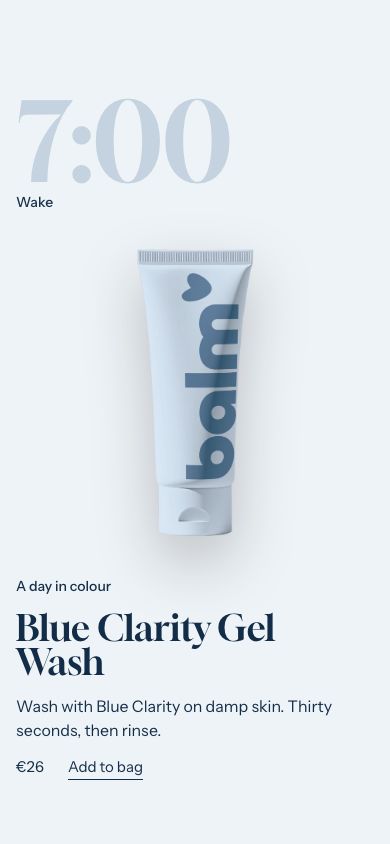
Each Step block has a large Time, a Label, a Product and a How to use line. Ground picks the light or the dark color of that product: light for the day, dark for the evening. As the visitor scrolls, the hour, the product and the color change from one step to the next, and a line of hours under the stage marks the current one. Scroll length per step sets how long each step stays. Without JavaScript the steps are a list, each in its own color. Beside the price and Add to bag, View formula opens the step's product page; Show View formula turns it off and View formula label changes its words.
Content tips
- Write the hours as people read them, for example 7:00 and 22:00.
- Keep each How to use line to one sentence.
- Until you choose a product in one of its steps, the section shows the first products of your store, one per step, and an empty Label or How to use shows the product's type or its tagline. Once you choose one, a step without a product is left out of the store.
Settings
Section settings (8)
| Setting | Values | Default | Notes |
|---|---|---|---|
| Subheading | Text | A day in color | |
| Show price | Checkbox | On | |
| Show add to cart button | Checkbox | On | |
| Show View formula | Checkbox | On | |
| View formula label | Text | Translated text | Leave empty to use the translated default. Shown when Show View formula is on. |
| Anchor | Text | Empty | Lowercase words joined by hyphens. Link to this section with #anchor, for example from a menu. |
| Scroll length per step (desktop) | 50 to 200 svh, step 10 | 90 svh | |
| Scroll length per step (mobile) | 50 to 200 svh, step 10 | 90 svh |
Block: Step
Step block settings (5)
| Setting | Values | Default | Notes |
|---|---|---|---|
| Time | Text | 7:00 | |
| Label | Text | Morning | |
| Product | Product | Empty | |
| How to use | Multi-line text | Say when and how to use the product. | |
| Ground |
| Light | Light for the day, dark for the evening. |